For manufacturing quality and operations teams
Draft, approve, and control your plant’s SOPs.
Use AI to draft work instructions, route them to your team for review, and keep a record of what changed and who approved it.
Free during private beta. No credit card required.
Try it with one procedure.
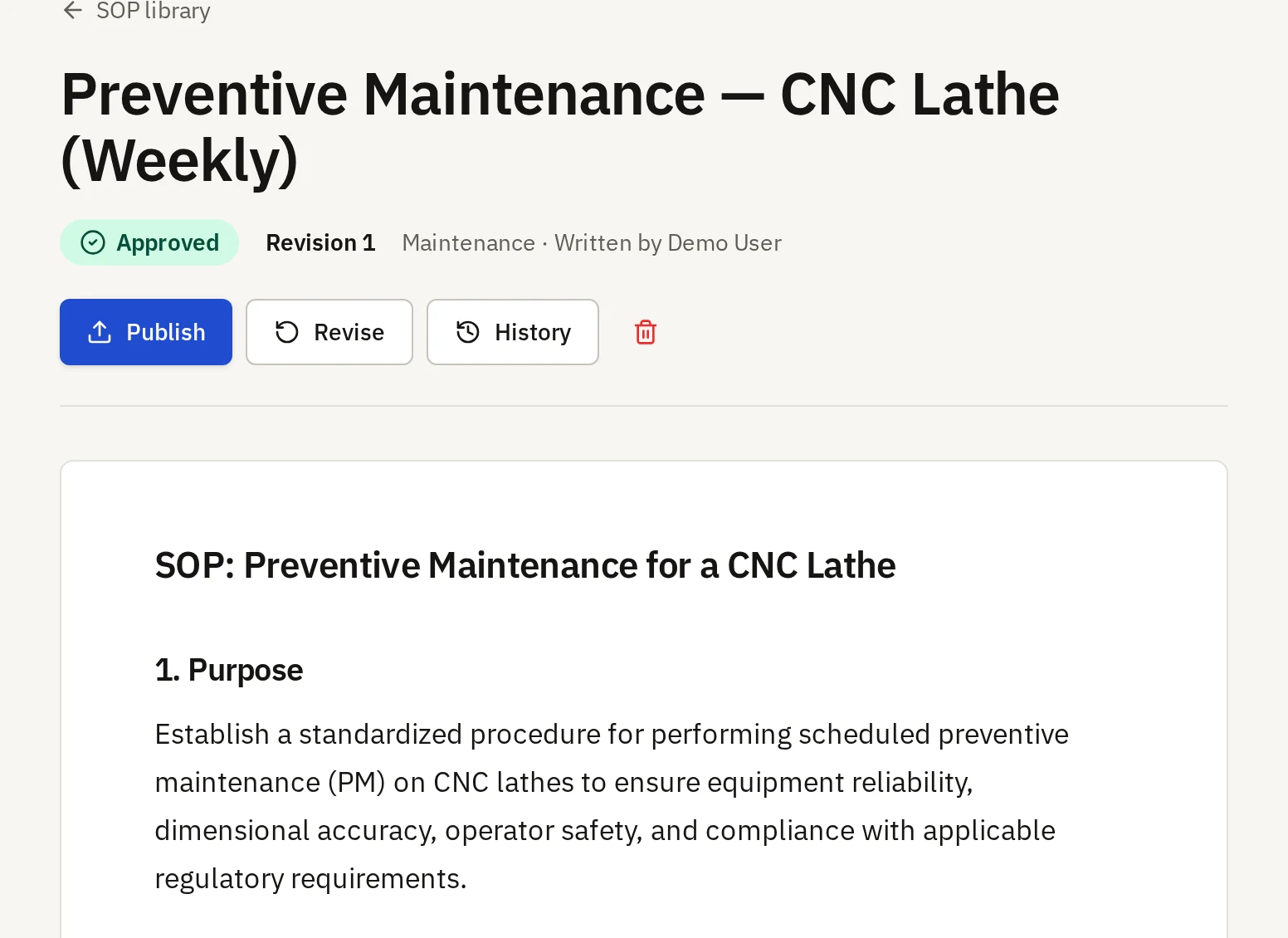
Open a preventive maintenance sample or enter your own topic to generate a draft. See how RuleAI structures the procedure and flags machine-specific details for your team to verify.
Pre-generated earlier by Claude Sonnet 4.6. Opens instantly — no AI call.
Live AI (Claude Sonnet 4.6). One free custom draft per visitor per day. Takes about 20–60 seconds.
From draft to approved procedure
- 01Draft.
Start with a process your team already runs. RuleAI turns your topic into a structured first draft.
- 02Review.
Check the steps, confirm site-specific details, and route the document to the right reviewer.
- 03Approve and release.
Publish the approved procedure and keep its version history available for review.
Statuses in the app: Draft → Review → Approved → Published, with a dated history of every transition and reviewer note.
Bring the same discipline to quality and 5S.
Record nonconformances, assign corrective actions, and keep supporting evidence with the record.
Capture 5S findings, assign owners and due dates, and compare before-and-after conditions. Upload a workspace photo and AI suggests findings; your team confirms each one.
Create a beta workspace to try 5S Vision AISee the full platform, including earlier-stage modules, on the platform overview, or read why we built RuleAI.
Review how RuleAI handles your data.
See how workspace access, data handling, and export work. Check the Trust Center for current controls and planned updates.
Free during private beta.
No credit card and no trial that expires. Founding members get a founding discount when paid plans launch; terms will be published before any billing.
- SOP drafting, review, approval and version history
- Quality records and corrective actions
- 5S Vision AI inspections and before/after comparison
- Invite your team
Start with one SOP your team uses every week.
Create a workspace and bring one procedure through review with your team.